Make Your Own Word Art
Bring your own words and watch them take shape.
At AwakenArts, words are more than language alone. They can become form, image, and presence. The figures and symbols throughout this site are part of that process: language shaping itself into something visible.
Here, you can try that process for yourself. Begin with a few words that feel meaningful, interesting, or simply close at hand, and see what takes shape.
 Open WordArt
In WordArt, start by selecting Dashboard, then press Create. Enter a word or a short group of words. Press Enter after each so it appears in the list. Choose a shape, then press Generate. If the interface feels unfamiliar, begin simply: use a small word set, one shape, and one or two colors. You can adjust the font, layout, and palette after the image appears. The clearest results often come from a few words, repeated words, and a simple shape. Try a few variations rather than trying to perfect everything at once.
Tip: If your result looks crowded, reduce the number of words and try again.
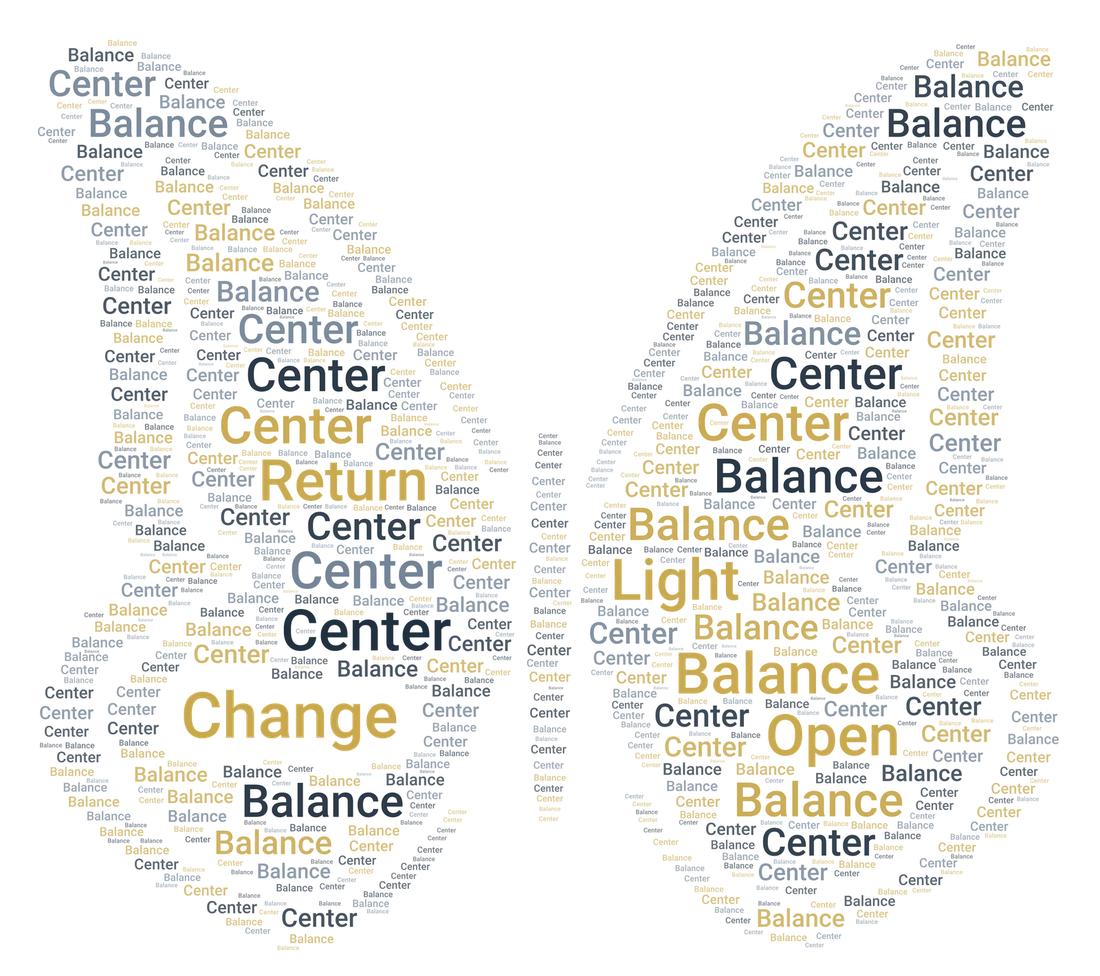
You might begin with:
Change · Balance · Center · Light · Open · Return